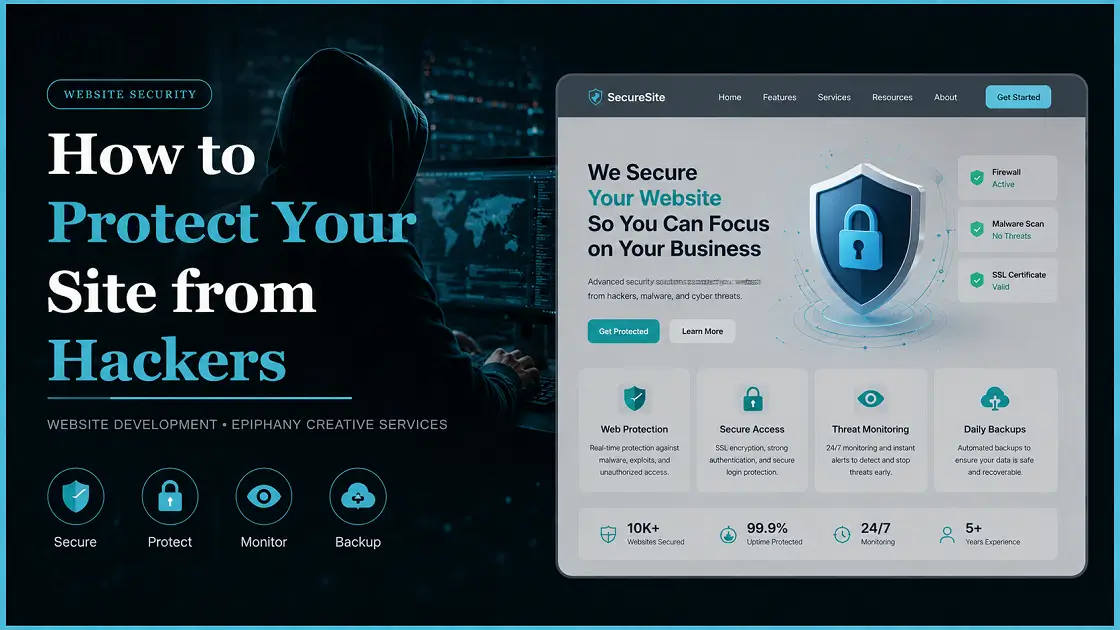

Every 39 seconds, a cyberattack happens somewhere on the internet. Hackers are not just targeting big companies — they target every website, big or small. The good news? Most hacks are preventable.
Why Website Security Matters
A hacked website can cost you more than just downtime:
- Data breaches — Customer data gets stolen and sold on the dark web.
- SEO damage — Google blacklists hacked sites, killing your rankings.
- Revenue loss — Even a few hours of downtime means lost sales.
- Reputation damage — Visitors who see a “hacked” warning rarely return.
Investing in security is always cheaper than recovering from a breach.
Here are 15 practical website security best practices to keep your site safe.
1. Keep Everything Updated
Outdated CMS, plugins, and themes are the #1 entry point for hackers. Enable automatic updates, delete unused plugins, and use a tool like WPScan to check for known vulnerabilities.
Quick tip: Always back up before updating.
2. Use HTTPS and an SSL Certificate
HTTP sites transmit data in plain text — anyone can intercept it. Install a free SSL certificate via Let’s Encrypt, redirect all HTTP traffic to HTTPS, and make sure your certificate does not expire.
HTTPS is also a confirmed Google ranking signal.
3. Use Strong Passwords
4. Enable Two-Factor Authentication (2FA)
5. Limit Login Attempts
6. Install a Web Application Firewall (WAF)
A WAF filters malicious traffic before it reaches your site — blocking SQL injections, XSS attacks, and DDoS attempts. Top options include Cloudflare (free tier available), Sucuri, and Wordfence for WordPress.
7. Back Up Your Website Regularly
Backups are your last line of defense. Automate daily backups, store them offsite (Google Drive, Amazon S3, or Dropbox), and test restores periodically. Hosting providers like Kinsta, WP Engine, and SiteGround include automated backups in their plans.
8. Scan for Malware Regularly
Malware can sit silently on your site for weeks — redirecting visitors, stealing data, or sending spam. Schedule regular scans using Sucuri SiteCheck, Wordfence, or MalCare. Also check Google Search Console — Google alerts you when it detects malicious content.
9. Secure Your Database
10. Prevent XSS and SQL Injection
11. Set Correct File Permissions
Recommended file permissions:
• Folders: 755
• PHP/HTML Files: 644
• wp-config: 440
Never set anything to 777 — that gives everyone full access.
12. Disable Directory Listing
13. Choose Secure Hosting
Your security is only as strong as your host’s. Look for a host that offers server-level firewalls, DDoS protection, isolated accounts, daily backups, free SSL, and up-to-date PHP support. Recommended providers: Kinsta, WP Engine, SiteGround, and Cloudways.
14. Monitor Uptime and Admin Activity
15. Add HTTP Security Headers
What to Do If Your Site Gets Hacked
- Take the site offline to stop further damage.
- Change all passwords — admin, hosting, FTP, database, email.
- Contact your hosting provider — many have incident response support.
- Restore from a clean backup.
- Scan all files for malware using Sucuri or Wordfence.
- Find and fix the entry point before going back online.
- Request a Google review via Search Console if your site was blacklisted.